Instagram Story Screenshots: How to Take Them Without Anyone Knowing
Good news: instagram story screenshots don’t trigger a notification anymore for regular stories, and haven’t for years — that alert was limited to disappearing photo/video messages, and Instagram removed even that in 2018. Here’s exactly what’s tracked today, and how to view stories anonymously in the first place with InstaPVStory.
On This Page
Do instagram story screenshots send a notification: the short answer
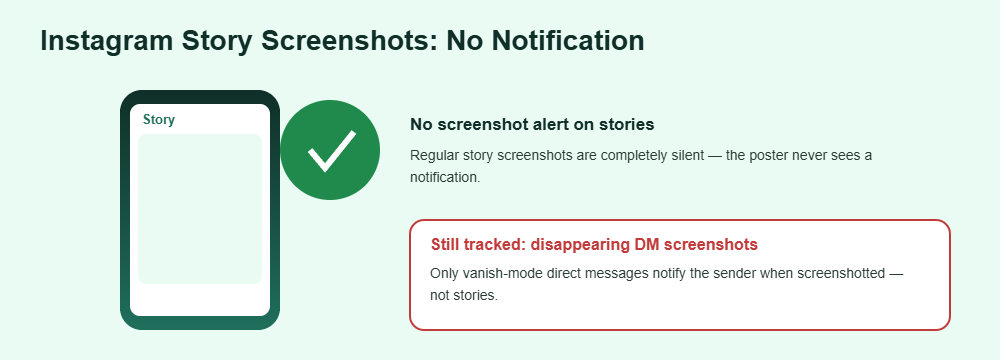
No, not for a standard story. Instagram used to notify the poster when someone screenshotted a disappearing direct message, but that feature was removed from stories years ago. Today, taking instagram story screenshots of a regular story is completely silent — no alert, no icon, nothing shown to the poster. Also wondering who left your follower list? See who unfollowed me on Instagram.
How to screenshot a story
Open the story like normal
Tap into the story from your feed or, for an anonymous view, from a browser-based viewer that doesn’t require logging into your account.
Use your device’s normal screenshot shortcut
On iPhone: side button plus volume up. On Android: power plus volume down, or the gesture your phone uses. No special app is needed. For general advice on spotting fake apps and scams, the FTC’s consumer advice is a good independent reference.
Save or screen-record if you want the full story
For a multi-second video story, a screen recording captures the whole thing rather than a single frame — also untracked on standard stories.
That’s the entire process for instagram story screenshots — there’s no workaround needed because there’s nothing to work around. If you’re used to older advice about airplane mode tricks or third-party “stealth” screenshot apps, none of that is necessary anymore; it was only ever relevant to the DM screenshot notification that no longer exists on stories. Be careful with stalking apps, because many of them are scams.
What’s tracked vs. what isn’t
The confusion around instagram story screenshots usually comes from mixing up different Instagram features that behave differently. Here’s the actual breakdown, and why it matters: knowing which category a given action falls into is the difference between a completely normal habit and one worth thinking twice about. Before you paste a username anywhere, check whether it is safe to use an Instagram story viewer.
Not tracked / silent
- Screenshotting a regular story post or photo
- Screen-recording a story
- Saving a story image to your camera roll
Still tracked
- Screenshotting a disappearing photo/video sent in a direct message
- Screen-recording a vanish-mode DM
- Your username appearing in the story’s viewer list itself
Frequently Asked Questions
Will instagram story screenshots notify the poster in 2026?
No. Instagram doesn’t notify anyone when you screenshot a regular story — that notification only ever applied to disappearing DM media, and even that was removed years ago.
Does viewing the story still show up in the viewer list?
Yes, if you’re logged in. Screenshotting doesn’t add a separate notification, but simply opening the story while logged in still adds your username to the poster’s viewer list, same as any view.
Can I avoid appearing in the viewer list entirely?
Yes — by viewing the story anonymously through a browser-based tool that doesn’t require you to be logged into your own account, rather than opening it in the official app.
Does screen recording work the same way?
Yes. Screen recording a standard story is just as untracked as a screenshot. Neither triggers any notification to the person who posted it.
What about Close Friends stories?
The same rule applies — screenshotting a Close Friends story doesn’t notify the poster either. The green ring just signals restricted audience, not extra tracking.
Want to view stories anonymously before you screenshot?